Salut à tous,
Je rencontre un souci de restauration KO suite passage à Debian 12.
Ci-dessous des détails, avez-vous une idée de ce qui bloque et comment fixer ?
Merci.
-
Installation Jeedom 4.6.2 sur VM Debian 12.15 → OK
- Lancement restauration Jeedom v4.6.2 (369 Mo)
- Malgré 30 mn d’attente, l’affichage bloqué sur :
[START RESTORE]
Begin Jeedom restore 2026-10-25 18:06:16
Send begin restore event...OK
Checking rights...OK
Restore from file : /var/www/html/core/class/../../backup/backup-Production_v4-4.6.2-2026-10-25-01h00.tar.gz
Backup database access configuration...OK
Disable all task OK
Disable all scenario OK
Unpacking backup...OK
Update composer file...
OK
[PROGRESS][58]
Deleting database...Disabling constraints...OK
Deleting table : cache ...OK
Deleting table : cmd ...OK
Deleting table : config ...OK
Deleting table : cron ...**
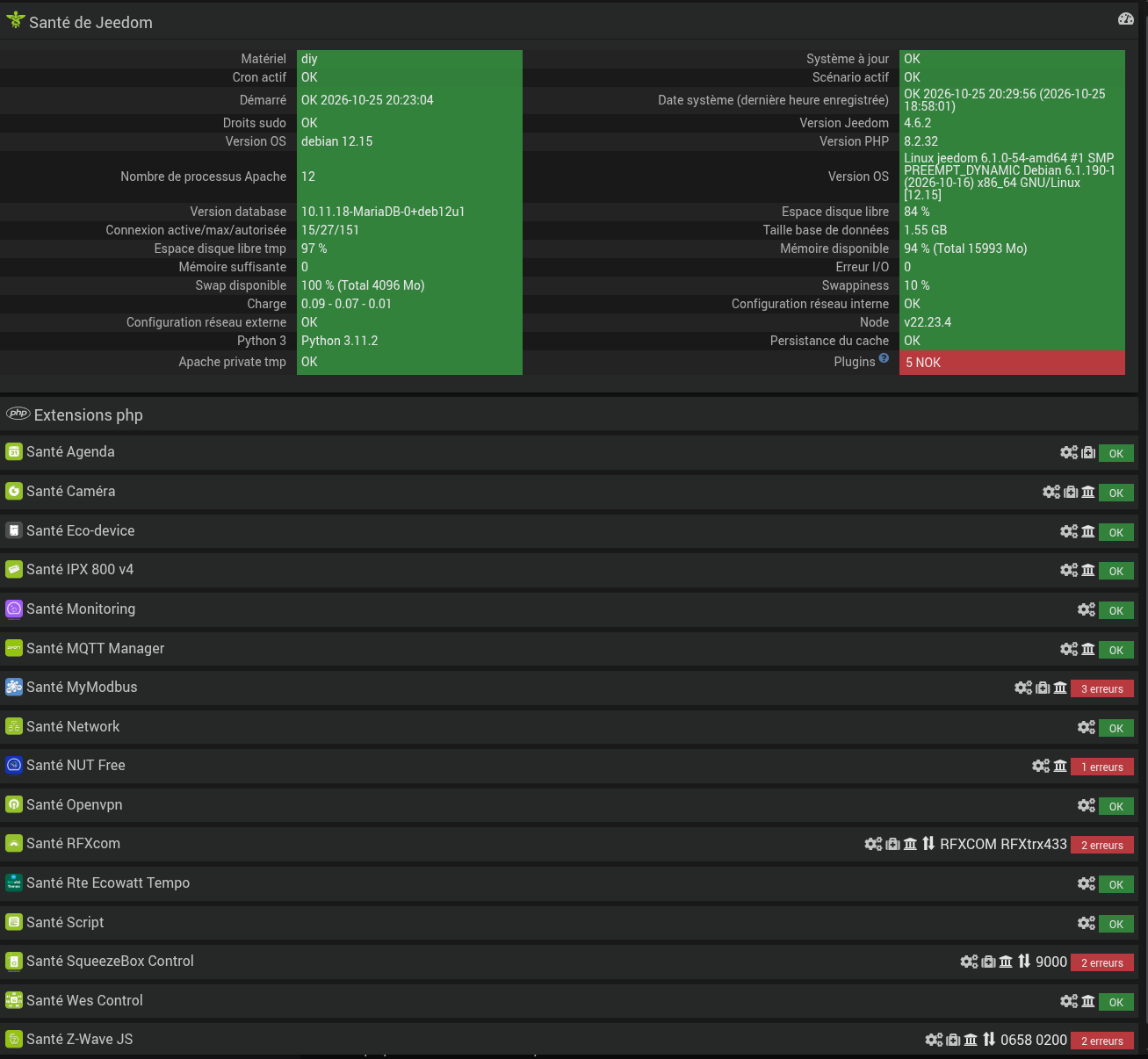
Page santé**
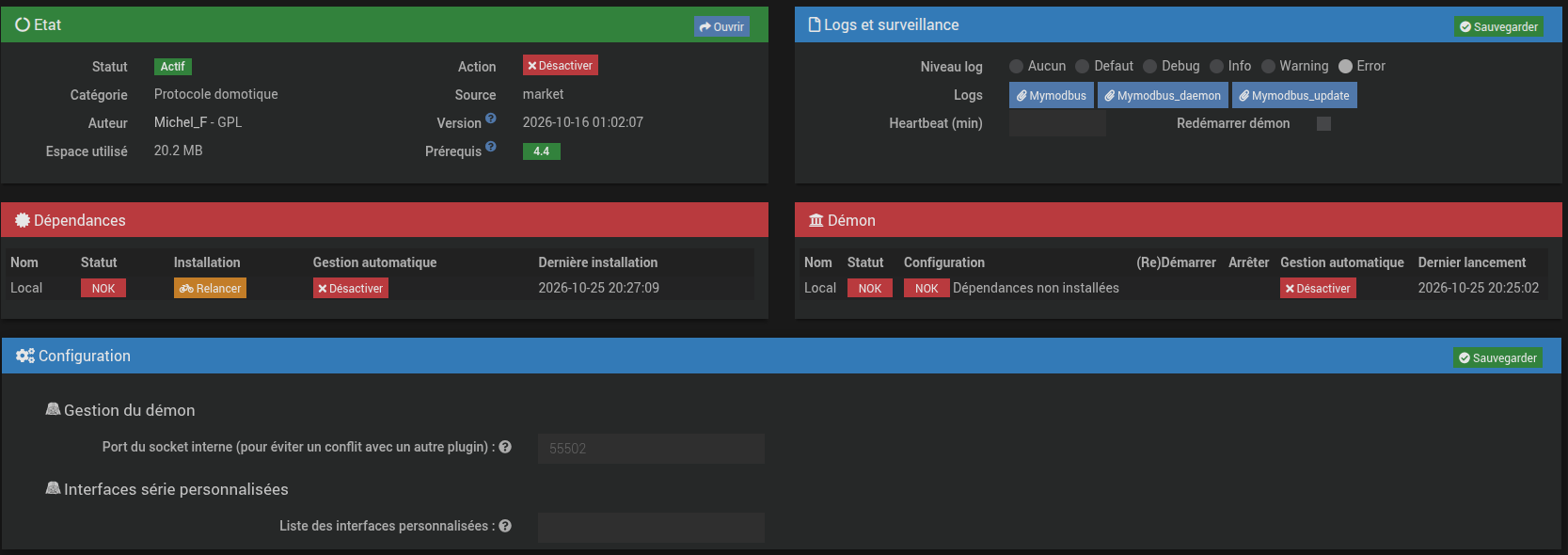
→ Affichait 7 plugins en rouge, donc AGENDA), MyMODBUS, RTE, … -
J’ai tenté deux actions (
 …) :
- Tentative de relancer restauration (mauvaise idée)
- Tentative de redémarrer (mauvaise idée)
→ Jeedom a cassé, plus d’accès http.
-
Tentative de restauration via ssh :
sudo cp /mnt/nasJEEDOM/SAUVEGARDES/backup-Production_v4-4.6.2-2026-10-25-15h35.tar.gz /var/www/html/backup/
sudo php /var/www/html/install/restore.php
root@jeedom:/var/www/html/backup# sudo php /var/www/html/install/restore.php[START RESTORE]
Begin Jeedom restore 2026-10-25 18:50:11
Send begin restore event...OK
Checking rights...OK
Restore from file : /var/www/html/install/../backup/backup-Production_v4-4.6.2-2026-10-25-15h35.tar.gz
Backup database access configuration...OK
Disable all task..... OK
Disable all scenario OK
Unpacking backup...OK
Update composer file...
OK
[PROGRESS][58]
Deleting database...Disabling constraints...OK
Deleting table : ash_devices ...OK
Deleting table : cache ...OK
Deleting table : calendar_event ...OK
Deleting table : cmd ...OK
Deleting table : config ...OK
Deleting table : conso_teleinfo ...OK
Deleting table : cron ...OK
Deleting table : dataStore ...OK
Deleting table : eqLogic ...OK
Deleting table : eqReal ...OK
Deleting table : event ...OK
Deleting table : history ...OK
Deleting table : historyArch ...OK
Deleting table : interactDef ...OK
Deleting table : interactQuery ...OK
Deleting table : listener ...OK
Deleting table : message ...OK
Deleting table : note ...OK
Deleting table : object ...OK
Deleting table : plan ...OK
Deleting table : plan3d ...OK
Deleting table : plan3dHeader ...OK
Deleting table : planHeader ...OK
Deleting table : queue ...OK
Deleting table : scenario ...OK
Deleting table : scenarioElement ...OK
Deleting table : scenarioExpression ...OK
Deleting table : scenarioSubElement ...OK
Deleting table : timeline ...OK
Deleting table : update ...OK
Deleting table : user ...OK
Deleting table : view ...OK
Deleting table : viewData ...OK
Deleting table : viewZone ...OK
Deleting table : widgets ...OK
Restoring database from backup...OK
Enable back constraints...OK
Restoring cache...OK
Restoring Plugin: calendar...OK
/var/www/html/plugins/brother/resources/venv/bin/python3: No module named pip→ Bloqué à cette étape malgré plus de 30mn d’attente.
Le log donne l’impression qu’il manque des paquets, c’est bizarre.